 how-to
How to Find Trending Audio for Instagram Reels in 2026
Table of Contents
- How to Find Trending Audio for Instagram Reels: The Basics
- How to Find Trending Sounds on Instagram Reels
- How to Save Audio on Instagram
- How to Use Trending Audio on Instagram Reels
- Best Instagram Reels Audio for Views
- Validating Trends, Saturation, and Licensing Rules
- Frequently Asked Questions
Last Updated: October 8, 2026
How to Find Trending Audio for Instagram Reels: The Basics
Trending audio is the collection of songs and sound clips gaining fast popularity among Instagram users right now. Learning how to find trending audio for Instagram Reels comes down to three habits: browsing the Reels tab, searching the audio library, and reading the trend indicators beside each sound title.
Here is the part most guides skip. A sound with a trending label is not automatically a good choice. Some are already fading. Others peaked weeks ago. The skill is not finding audio. It is finding audio at the right moment.
Why Trending Audio Matters for Reach
Instagram's ranking system treats audio as a signal. When you use a climbing sound, your Reel gets grouped with other Reels using the same audio, pushing your content in front of people who never followed you.
The effect works both ways. Jump on a sound too late and you compete with thousands of finished Reels. Jump on it early and you ride the wave while it is still building.
- Early use: less competition, more visibility
- Late use: crowded feed, buried content
- No audio trend: you rely only on your own reach
How to Find Trending Sounds on Instagram Reels
The fastest way to find trending sounds on Instagram Reels is to use three discovery routes together: the Reels tab, the audio library search, and the audio page.
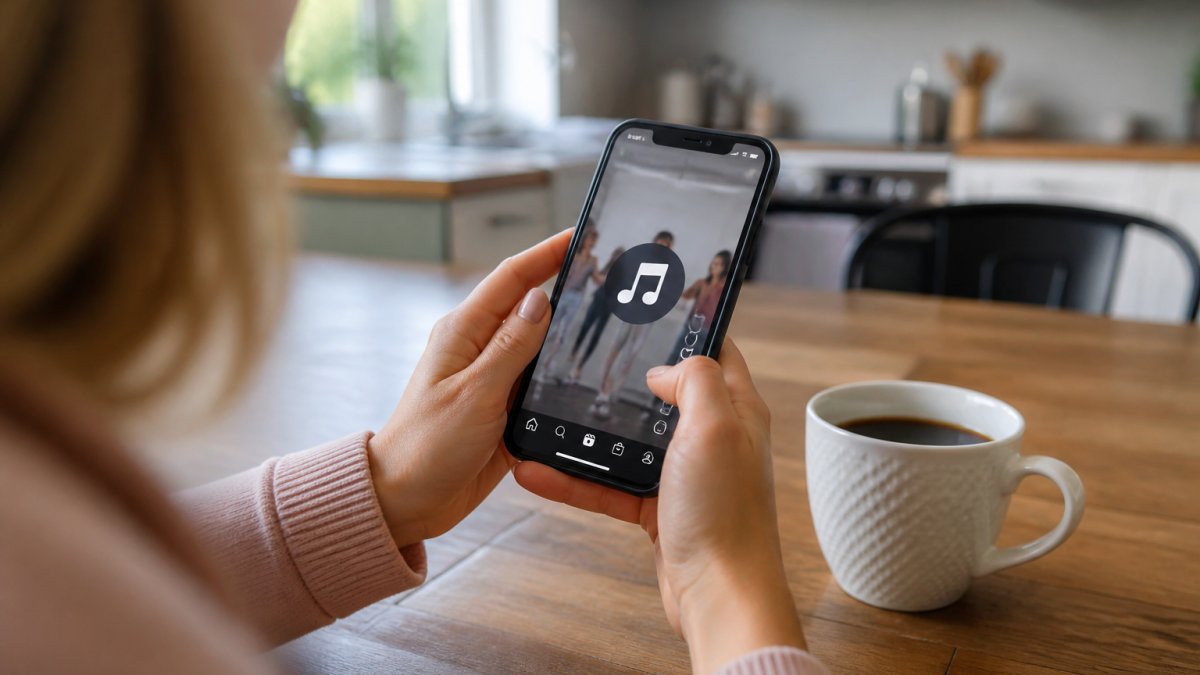
Browsing the Reels Tab and Feed
Open the Reels tab and watch the first ten videos, not for entertainment, but for repetition. When the same sound appears in three or more Reels from different creators, that is your signal. Note it before you keep scrolling.
- Watch at least 10 Reels before judging
- Look for the same sound title across different accounts
- Check whether the videos are recent or old
If every Reel using that sound is months old, the trend is over.
Searching the Audio Library and Music Search
Tap the music note icon when you create a Reel to open the audio library, then search a genre, mood, or keyword like "summer" or "motivation." Instagram sorts by relevance, not just popularity, so read the numbers beside each track. A sound with heavy use and a recent upload date often means the trend is still climbing.
Reading Trend Indicators and Audio Pages
Tap any sound title to open its audio page, the single most useful tool for judging a trend. You will see the total number of Reels using the sound, the arrow icon showing whether use is rising or falling, and the most recent Reels using that audio. A rising arrow plus recent videos equals an active trend; a flat or falling arrow means the wave has passed.
How to Save Audio on Instagram
Saving audio is the easy part. The hard part is building a saved library that helps you post at the right moment. Most creators save sounds randomly and never revisit them; a better system turns saved audio into a working pipeline.
- Open the Reel or audio page with the sound you want
- Tap the sound title at the bottom of the screen
- Tap the bookmark or save icon
- Find it later under saved audio when you create a Reel
That is the two-tap version. Now here is the version that separates creators who catch trends from creators who miss them.
Build a Validation-First Saved Library
A saved sound is not a commitment, it is a candidate. Treat your saved audio list as a shortlist you re-check before every post, not a graveyard of forgotten clips. When you save a sound, note three things in your notes app or a spreadsheet:
- Date saved, so you know how old the candidate is
- Current use count, the total number of Reels using it at the moment you saved it
- Direction of the arrow, rising, flat, or falling on the audio page
Then re-check that sound every 48 to 72 hours. A sound still rising two days after you saved it is a strong candidate; one that flattened has peaked; one that dropped is dead. This validation method combines three signals: Instagram's trend indicator, growth direction over a short window, and the recency of the newest Reels on the audio page. When all three agree, the trend is real.
Organize by Niche, Not by Popularity
The biggest mistake is saving whatever is broadly popular. A sound topping the global charts may be irrelevant to your audience. Save sounds that fit your content category instead.
A simple pattern that works: keep three buckets in your saved list.
- Bucket 1, Ready now: rising sounds that fit your niche and have fresh daily uploads
- Bucket 2, Watch list: sounds that are rising but not yet a clear fit, or that you want to see grow for another few days
- Bucket 3, Expired: sounds that have peaked or flattened, kept only so you do not re-save them by mistake
Move sounds between buckets during your weekly review. Delete Bucket 3 entries after a week so the list stays short enough to actually use.
A Lightweight Weekly Monitoring Routine
Ten minutes, three times a week is enough to stay ahead without burning hours. Here is a routine that fits the validation approach:
- Browse the Reels tab for 5 minutes and note any sound that appears in three or more Reels from different creators
- Open each candidate's audio page and record the use count and arrow direction
- Re-check sounds you saved 48-72 hours ago and move them between buckets
That routine keeps your library fresh and prevents the most common failure: opening your saved audio list, seeing a dozen stale sounds, and picking one that already peaked.
Timing and Saturation Checks Before You Post
Before you pull a saved sound into a Reel, run two quick checks.
Timing check. Open the audio page and look at the arrow.
Saturation check. A sound with millions of uses is saturated; your Reel joins a crowded pile.
A practical rule: if you found the sound through the Reels feed and it still feels fresh, you are probably early.
Licensing and Account-Type Restrictions
Not every sound in the library is available to every account type. Business and creator accounts sometimes see a smaller music catalog than personal accounts, if a sound is missing from your search, that is usually why. A sound you saved on a personal account may not appear when you switch to a business account to post, so check availability on the account you will actually publish from.
For the rules on music use, check Instagram's help center on music and audio.
Measuring Whether Saved Audio Actually Performs
Saving and posting is only half the loop. The other half is checking whether the trending sound actually helped.
After a Reel has been live for 48 to 72 hours, compare it against a recent Reel that used non-trending audio.
Keep a simple log: date posted, sound name, use count at posting time, arrow direction, and the Reel's 72-hour reach.
How to Use Trending Audio on Instagram Reels
Using trending audio on Instagram Reels is simple once you have picked your sound. Tap the music note icon, open your saved audio, and select the track.
The mistake most people make is picking the sound first and forcing the video to fit. Do it the other way. Pick the video concept, then match a sound that fits the mood.
Timing Your Post to Catch the Wave
Post while the sound is still rising, not after it peaks. Check the audio page arrow before you publish: if use is climbing, post now; if it has flattened, pick another sound.
Best Instagram Reels Audio for Views
There is no single best sound for views. The best audio for your Reels is a rising sound that fits your niche and audience. A trending pop clip may flop on a finance page; a quiet instrumental may flop on a comedy page.
Match three things before you commit:
- Trend status: is the sound still rising?
- Content fit: does it match your topic and tone?
- Audience match: does your niche already use this style?
Here is a quick comparison to help you decide:
| Sound Status | Competition | Best Move |
|---|---|---|
| Rising, fewer uses | Low | Post now |
| Rising, heavy uses | Medium | Post with a strong hook |
| Peaked, flat arrow | High | Skip it |
| Old, months of use | Very high | Skip it |
For a deeper look at how Instagram's own team describes ranking and reach, see Instagram's official Reels and ranking guidance.
Validating Trends, Saturation, and Licensing Rules
Before you post, run one validation check. Open the audio page and look at the last ten Reels using that sound.
Saturation is the second check. A sound with millions of uses is saturated. Your Reel joins a crowded pile.
Licensing matters too. For the rules on music use, check Instagram's help center on music and audio.
Build a weekly routine to stay ahead. Ten minutes, three times a week:
- Browse the Reels tab for 5 minutes and note repeated sounds
- Check your saved audio list for rising arrows
- Save 2-3 new sounds that fit your niche
- Remove any saved sounds that have peaked
That routine keeps you ahead of the crowd without burning hours.
Frequently Asked Questions
How can you tell if audio is trending on Instagram?
Open the audio page and look for the trending arrow icon next to the sound title. Then check the play count: a sound climbing fast with a high number of Reels made in the last 24 to 48 hours is usually rising. A sound with millions of plays but slow recent growth is likely saturated. Track the same sound over two or three days to confirm the trend is still moving before you build a Reel around it.
How do you save audio on Instagram to use in a Reel?
Tap the music note icon at the bottom of a Reel, then tap Save audio on the audio page. Saved sounds appear in your audio library when you create a new Reel, under the Saved tab. You can also tap the bookmark icon next to a track in the music search results. Saving audio lets you queue up trending sounds without interrupting your scrolling, so you always have options ready when you sit down to post.
How do you choose trending audio that fits your content?
Match the sound's mood and pacing to your clip, not just its popularity. A fast, punchy track suits a quick product demo; a slower, emotional sound works better for a story-driven Reel. Check the audio page to see which creators are already using it, and whether their content looks like yours. If the top Reels using that sound are in a completely different niche, your audience may not respond the same way.
Do you need a business account to use trending audio on Instagram Reels?
Business and professional accounts have a smaller licensed music catalog than personal accounts because of Instagram's music licensing agreements. If you run a business account, check the audio page before you build your Reel: if the sound is not available to you, it will not appear in your music search. Switching to a creator account often restores access to a wider range of trending tracks while keeping your professional tools.
Finding trending audio is not the hard part. Staying consistent, posting on time, and turning views into income is where most people quit. The Repost Routine Masterclass solves that with a simple 15-minute daily routine, a copy-and-paste method, and a smartphone-based workflow you can run without ever showing your face. Get started with The Repost Routine Masterclass and build an income stream from the content you already scroll past every day.